

Top Performance
Dedicated high-IPC cores tuned for 7 Days To Die tick rates and player load.
Survival & Sandbox
High-performance 7 Days To Die servers from ₹239/mo - instant setup, Serververse Shield and India-first latency.
Hardware, networking and panel tools built for real multiplayer communities.
Dedicated high-IPC cores tuned for 7 Days To Die tick rates and player load.
Three filtering layers (OVH, Cloudflare Magic Transit and our own rules) sit in front of every server.
Deploy in about 60 seconds - panel, IP and credentials ready immediately.
Console, files, schedules and backups without digging through SSH every day.
India-first capacity plus Singapore, Germany and USA reach for your community.
Business-hours support via tickets and Contact - typical replies in 24-48 hours. Emergencies: hotline or WhatsApp.
7 Days to Die servers have to survive the blood moon: every seventh night the horde spawns, and that is when CPU, RAM and network all get tested at once.
Game settings such as difficulty, blood moon frequency, loot respawn, land claim size and world generation live in serverconfig.xml. Edit it from the file manager and restart.
Mods and overhauls like Darkness Falls or Undead Legacy go in the Mods folder. Overhauls usually need every player to install the same version, while server-side mods only need to be on the server.
Map size and zombie count during blood moons decide RAM needs.
Overhaul & QoL mods
Darkness Falls, Undead Legacy style overhauls and QoL packs - allocate RAM for heavy mods.
View plansChoose where your server runs and a plan. Prices come live from our store, and you can upgrade RAM later without reinstalling.
Premium | Gaming · India · Premium
Control panel
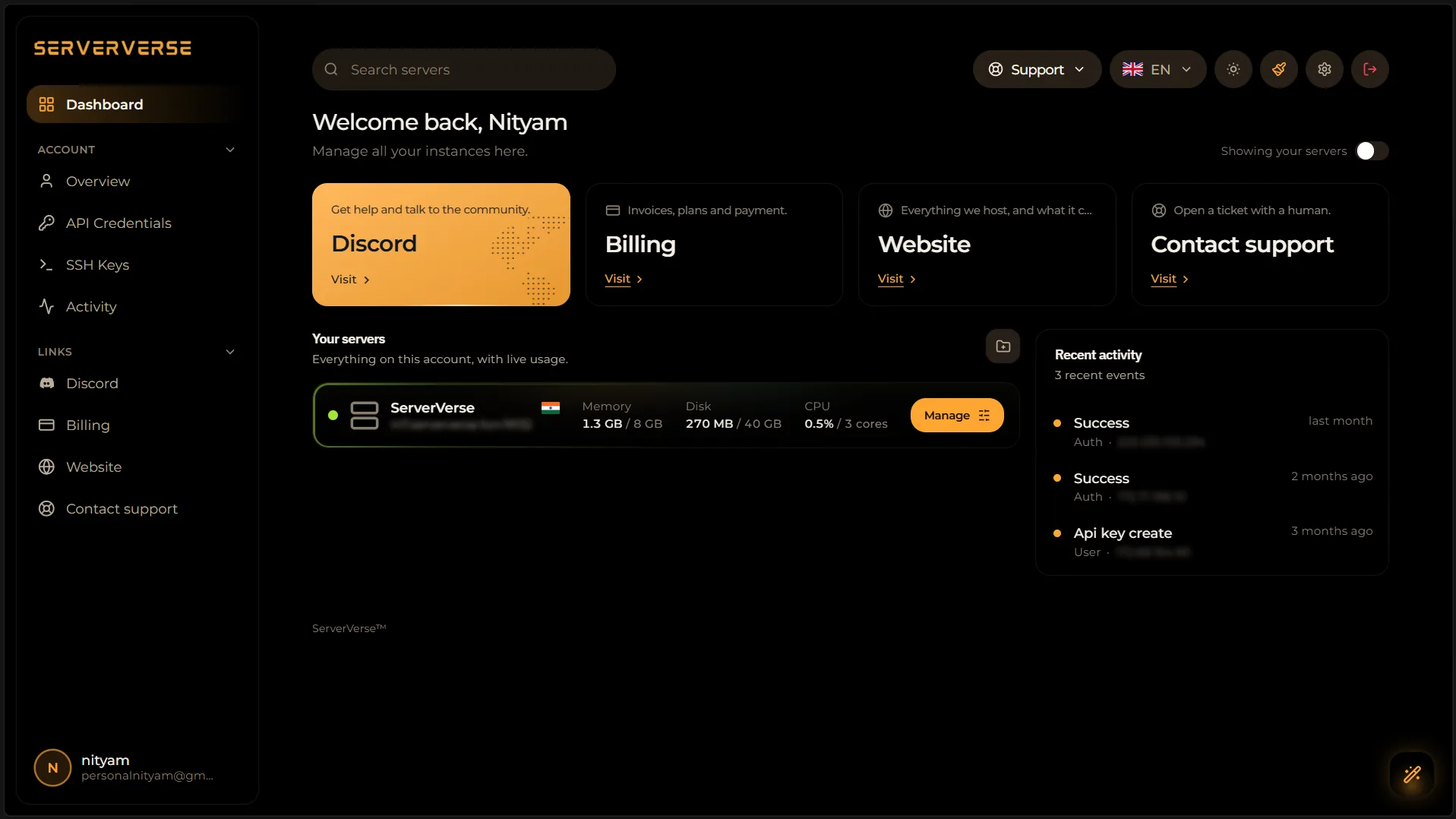
Pterodactyl Panel handles power, files, console, backups and mods - without SSH for everyday 7 Days To Die tasks.
Host near your players from certified tier-3 datacenters with low-latency routing for your community.


Global power. European precision.
High-performance EU core. Best for infrastructure, SaaS and global traffic routing.
Cloudflare Magic Transit for India.
India traffic is announced through Cloudflare Magic Transit. Floods are scrubbed at the edge before clean packets return to Noida and Mumbai.
Instant Reach. Built for scale.
Low-ping backbone across Asia. Engineered for APAC applications, fintech and game clusters.
Common questions about deploying and managing 7 Days To Die on Serververse.
Still have a question? Email [email protected] or open a ticket; we reply within 24–48 hours on business days.
Same network, more titles - explore the full catalog.
7 Days To Die hosting
Instant deployment, no contracts - from ₹239/mo.